
How to Solve Flex Stuck on ‘Glitch in Process’ Page Problem When Read VAG MD1CS004 H80 ECU with Korhex?
Customer Feedback:
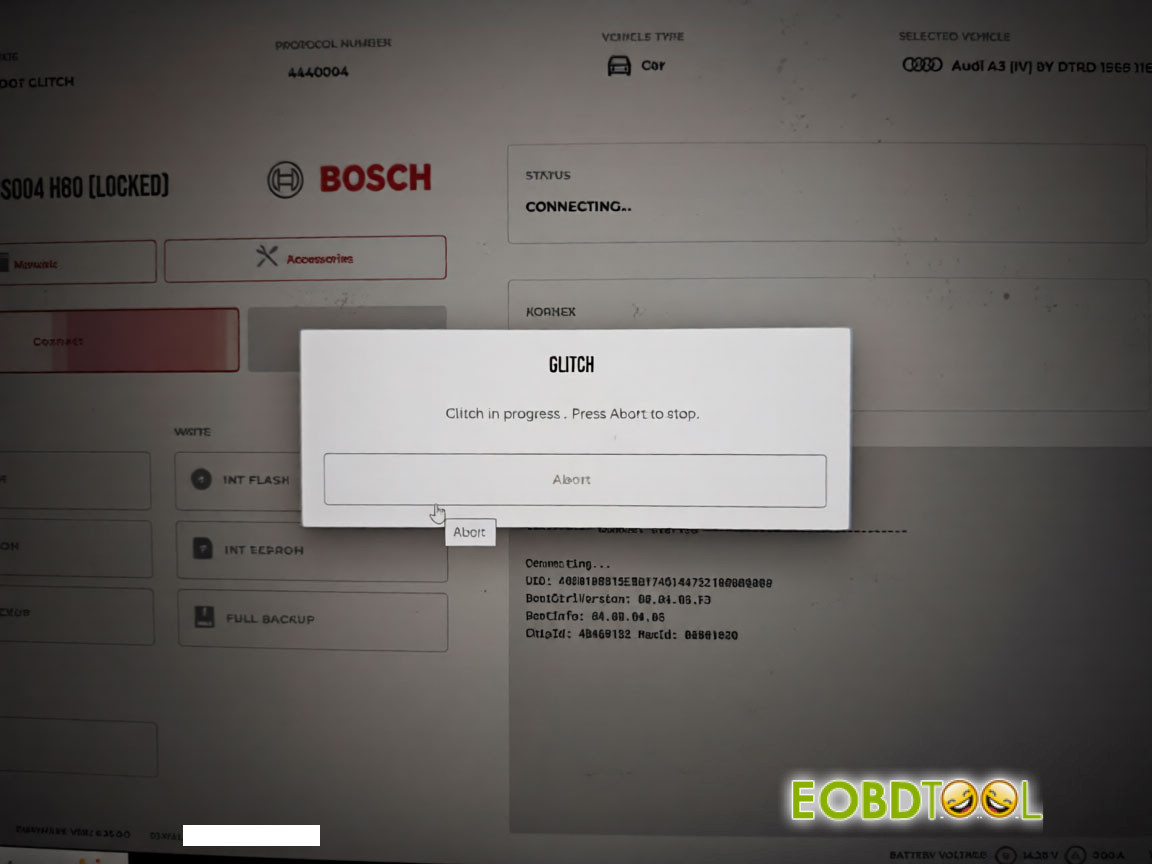
Tried to unlock a VAG MD1CS004 H80 ECU using Flex and Korhex Boot Glitch. Flex successfully reads the ECU ID, but the unlock process doesn’t proceed and the software remains stuck on the glitch progress screen. Any solution?
Solution:
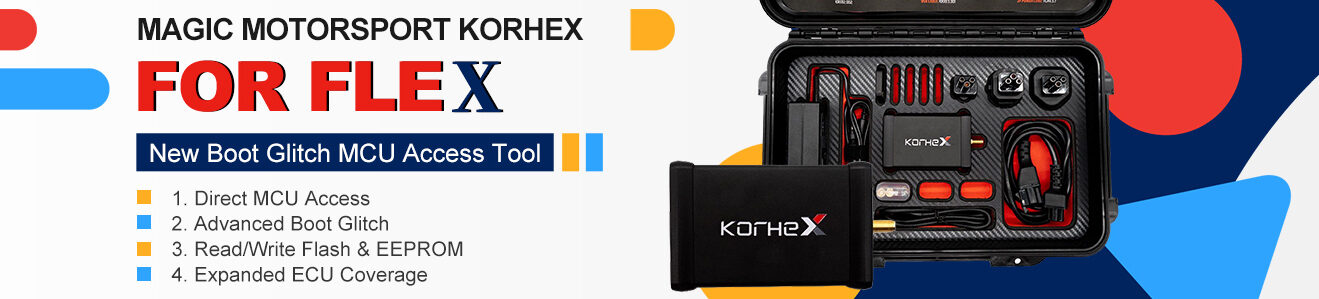
Sometimes you may need to adjust the Korhex position to get a successful connection.
Move the Korhex slightly until you find the correct position!
If it still doesn’t work, abort the operation.
If the device keeps glitching:
Turn everything off.
Disconnect all cables and connections.
Remove the pins as well.
Restart the entire process.
Wait for the Flex software to boot up and check that the top-left indicator shows 3 green lights or 2 green lights and 1 blue light.
If a firmware update is required, update Flex first.
Reconnect all cables and components.
Position the Korhex in the center of the plate.
Move the plate gently in a square motion. If it touches the edge, adjust it back toward the center.
Make sure the E1 connector is correctly enabled or disabled in the Flex manual settings, according to the instructions.
If the ECU still cannot be read or connected, please contact technical support by submitting a support ticket.
UK Professional OBD2 Tools Online Shop