


How to Read BMW MG1 MD1 Locked ECUs with Autel IM508/IM608 and G-box3?
Tutorial: Unlock and Read BMW B48/B58 Bosch MG1/MD1 DME Data with Autel MaxiIM IM508S/IM608 II.
Example ECU: BMW B48 MG1CS201 Bosch DME with TC298TP Locked Protection.
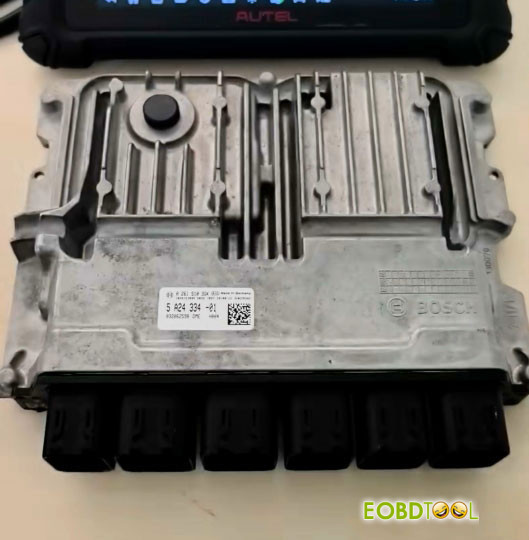
Required Tools & Equipment:
– Autel IM608 II or IM508S with XP400 Pro
– Autel G-BOX3 with DB15 Cable
– 12V Stable Power Supply
Important: G-BOX3 is required to read the ISN from BMW DMEs. G-BOX2 is not supported for this operation.
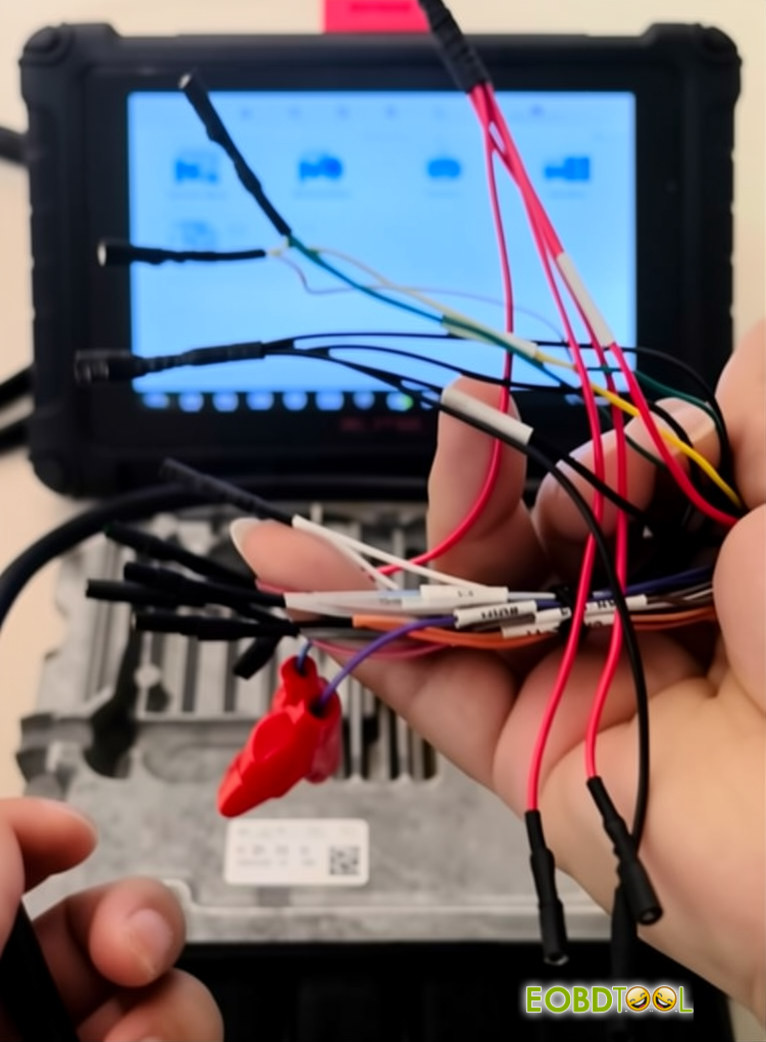
Procedure:
Navigate to System Selection → Engine → Direct Connection.
Enter the Bosch part number (e.g. 0 261 S10 3GK) to identify the ECU type. The system will recognize it as MG1CS201_LOCK TC298TP.
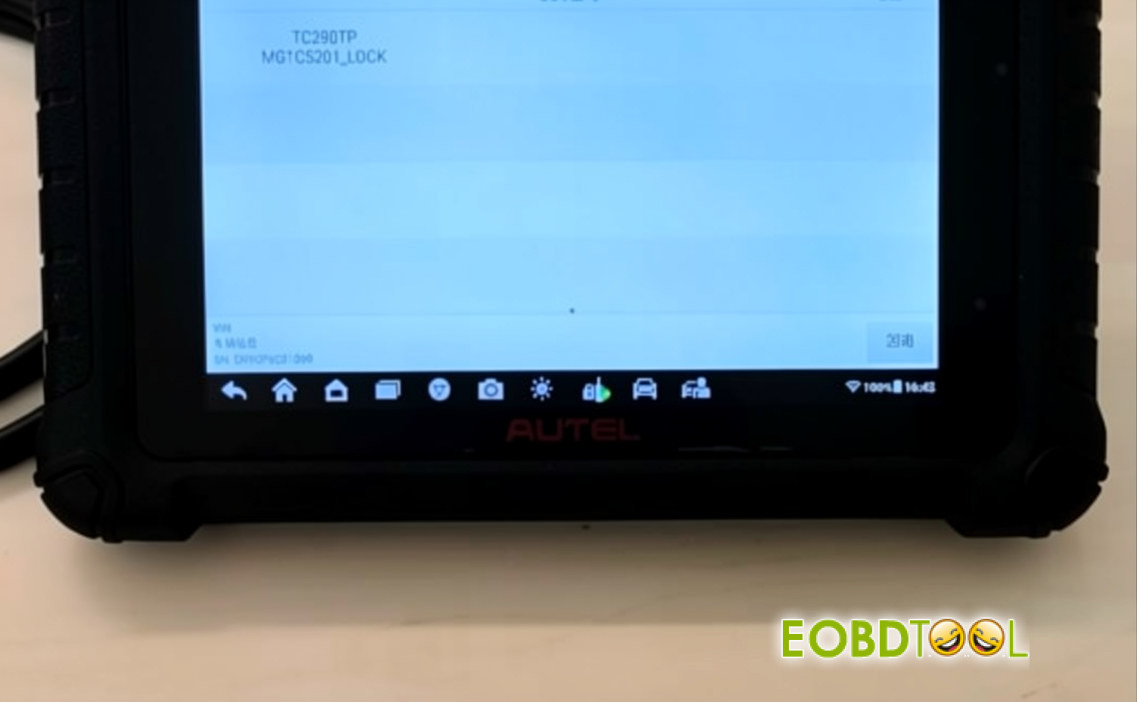
Autel will display the corresponding wiring diagram.
Make sure it matches your ECU before proceeding with the connections.
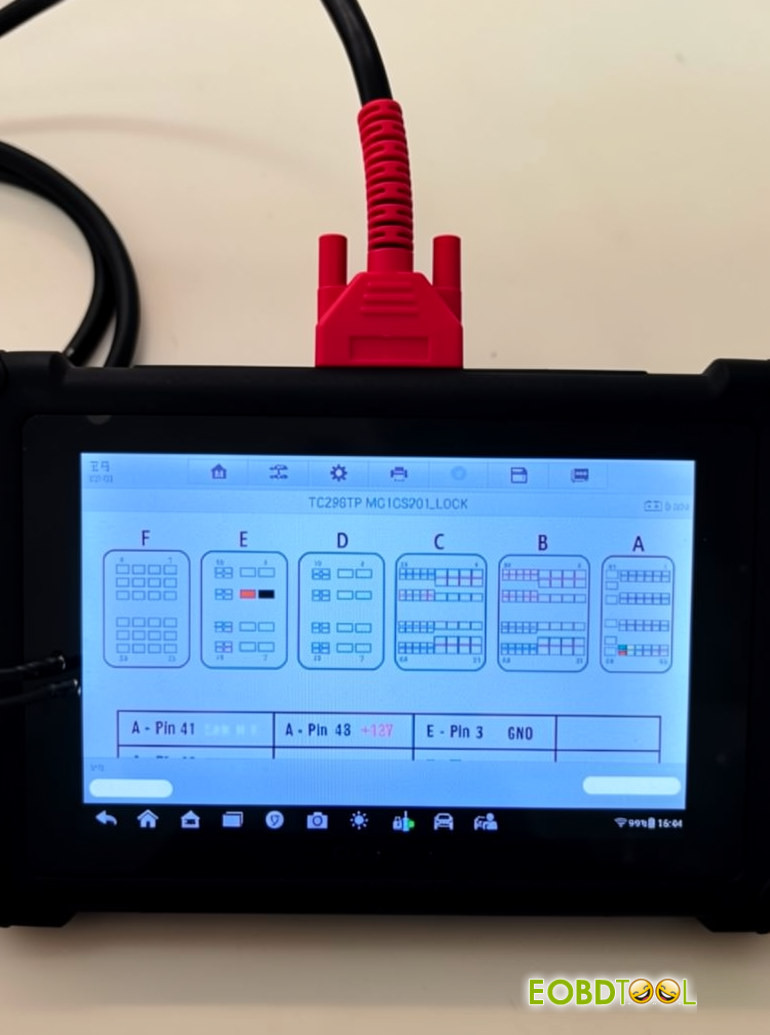
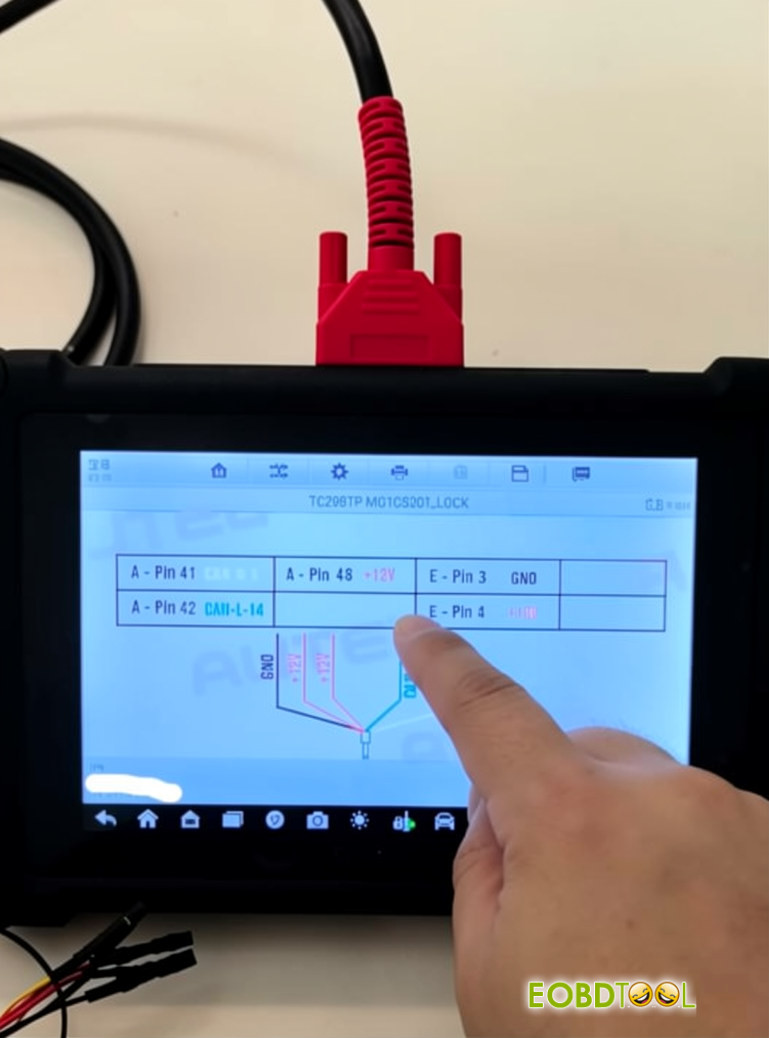
Connect the GBOX3 DB15 cable to the DME ECU by wiring the 5 required connections: GND, CAN-L, CAN-H, and 12V.
Then plug the DB15 connector into the GBOX3.
Finally, connect a 12V power supply to the GBOX3 to power up the setup.
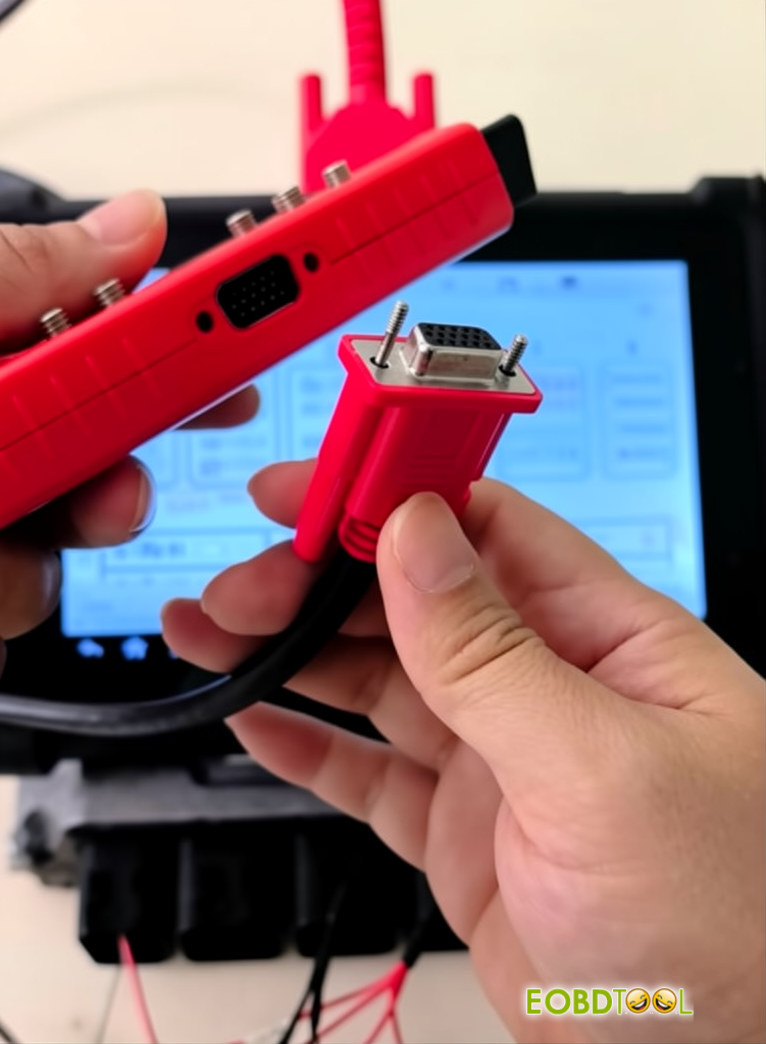
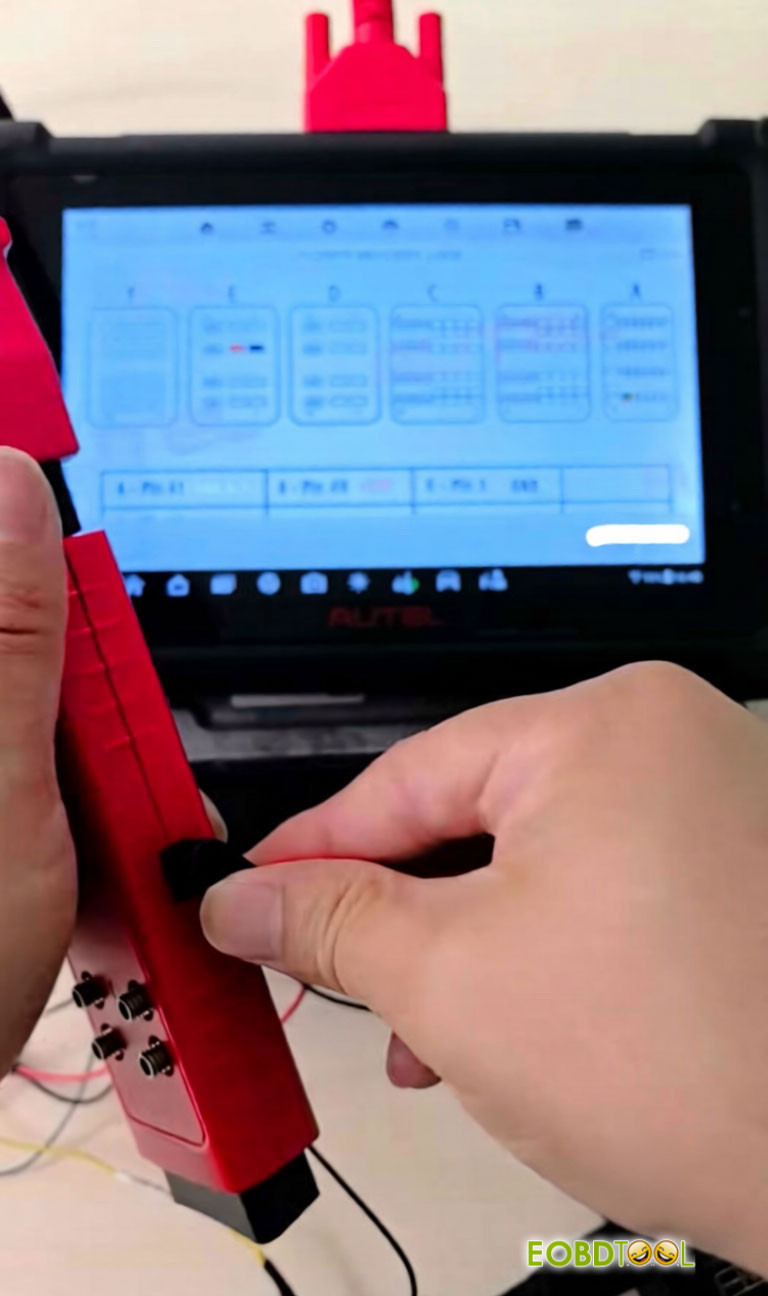
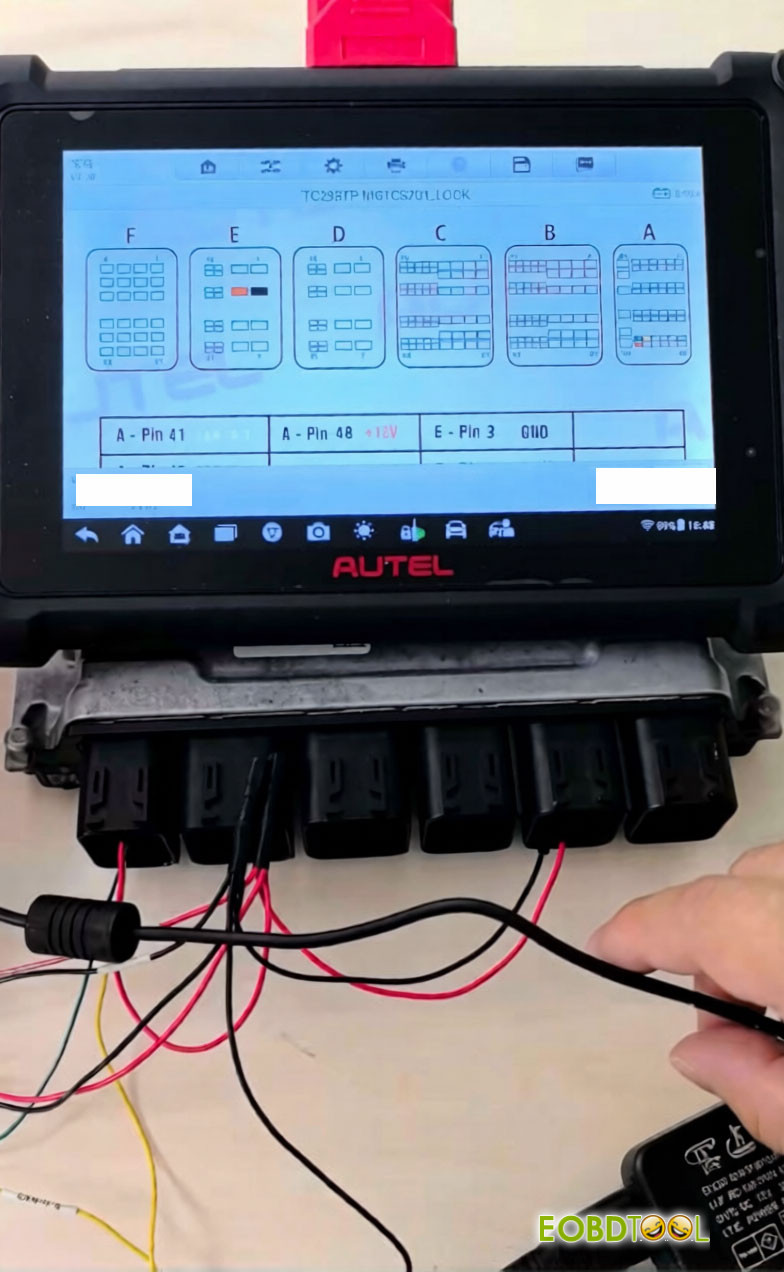
Next, read the EEPROM and Flash data from the ECU.
The EEPROM file contains the ISN information.
To obtain the ISN code, upload the saved EEPROM file for data analysis and PIN code retrieval.
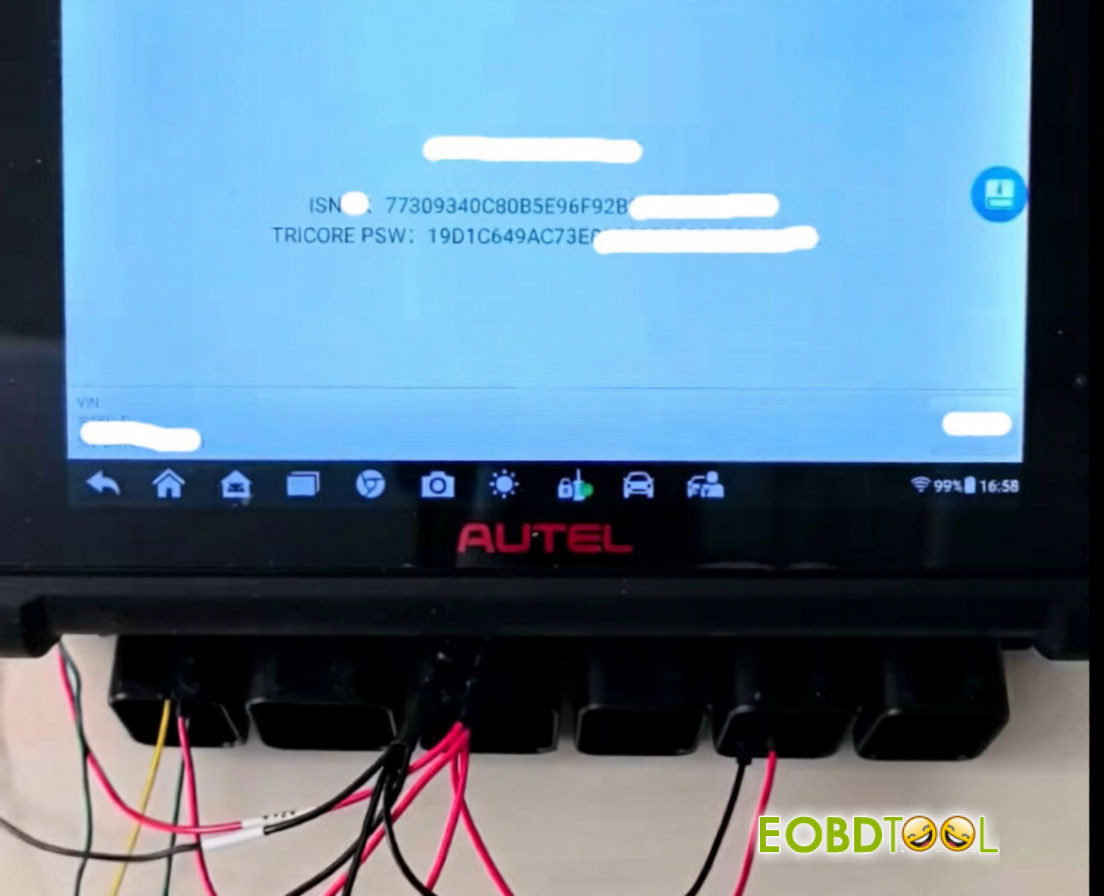
For a complete data backup, read the EEPROM and Flash files separately, then write the saved data when needed.
UK Professional OBD2 Tools Online Shop