
Tips for Cloning BMW MSV90 DME in Boot Mode with OBDSTAR ECU Master
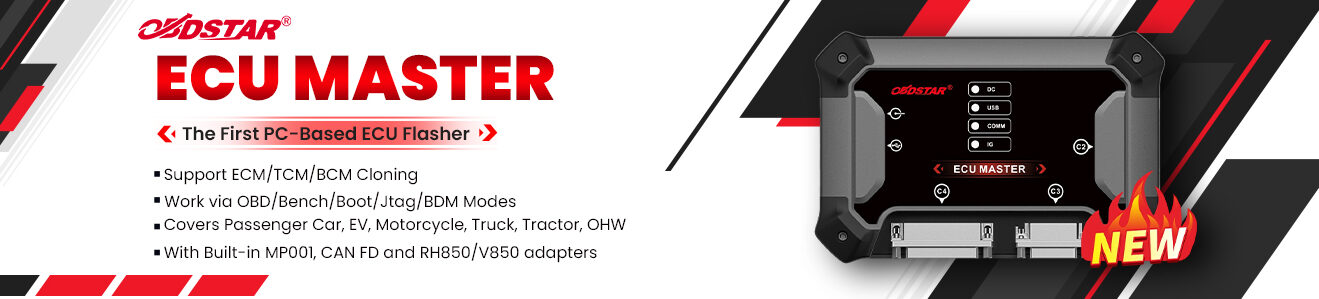
In this guide, we show how to read and clone a BMW 528i petrol MSV90 DME ECU using the OBDSTAR ECU Master. The original ECU is severely burnt and damaged on multiple sides, with no visible identification labels. However, the unit is confirmed as an MSV90. The goal is to read and back up the original ECU data for transfer to a replacement unit or further repair.
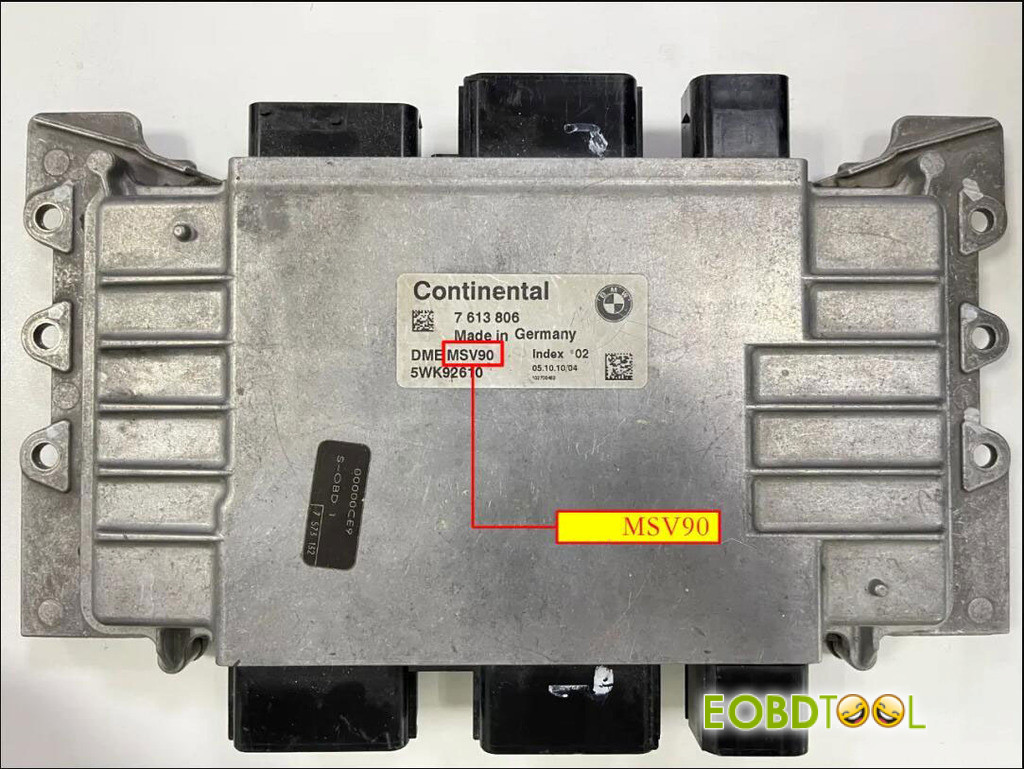
Identifying the ECU in OBDSTAR ECU Master
In the OBDSTAR ECU Master software:
- Open the search bar.
- Enter MSV90.
- Choose BMW Continental from the search results.
- Navigate to the Pinout section.
- Select Bench Mode.
The part number listed corresponds to the ECU being tested — both have an identical part number.
Bench Mode Wiring
The connection diagram and pinout guide are used to establish the ECU wiring. All connections are made to the OBDSTAR ECU Master for bench mode reading.
Key detail: the ECU has suffered severe burn damage, with extensive damage across the circuit board. The processor is also identified for reference:
- Processor number: 1796
- This is a TriCore processor.
Despite the extensive damage, the OBDSTAR ECU Master attempts to establish communication and read the ECU data.
Connecting and Reading
The ECU Master is launched in Bench Mode, and the connection process begins. The tool automatically checks ECU communication and read capability.
A successful connection is established despite the severe physical damage to the ECU.
The flash data is read directly and successfully.
Reading the ISN Code
The ISN code is essential for ECU replacement or cloning operations. The tool automatically reads and retrieves the code:
The ISN code has been successfully detected and read.
The retrieved code is now ready to be used when programming a replacement ECU if required.
Reading All Data / Flash
To create a complete ECU backup, the reading procedure is performed:
Select Read From to start the process.
The ECU reading process begins.
The EEPROM data is read successfully.
Save the backup file.
Select Read Internal to retrieve the internal data — the reading is completed successfully.
Why This Backup Is Important
The backup is created to ensure that:
- All original ECU data is safely preserved.
- The data remains available if the damaged ECU cannot be repaired.
- The saved files can be transferred to a replacement ECU when necessary.
Additional Functions
The OBDSTAR ECU Master provides several other useful functions for the BMW MSV90 DME, including:
Read All Data
Write All Data
Both operations were completed successfully earlier, confirming that the ECU is communicating properly with the tool.
Hardware and Part Number
The ECU hardware information and part number are displayed again for reference. Despite the severe burn damage to the circuit board, the OBDSTAR ECU Master successfully established communication and retrieved the required data.
Completion
The BMW MSV90 DME reading and backup process with the OBDSTAR ECU Master is now complete:
- ISN code read successfully
- EEPROM data read and backed up
- Internal Flash data read and backed up
- All available data functions checked and tested
- ECU communication established despite extensive board damage
All required data has been successfully backed up and is ready for use in ECU cloning, replacement, or further repair.
Summary
This case demonstrates how the OBDSTAR ECU Master can successfully communicate with and extract essential data from a severely burnt BMW MSV90 DME, providing a reliable solution for data backup before ECU repair or replacement.