
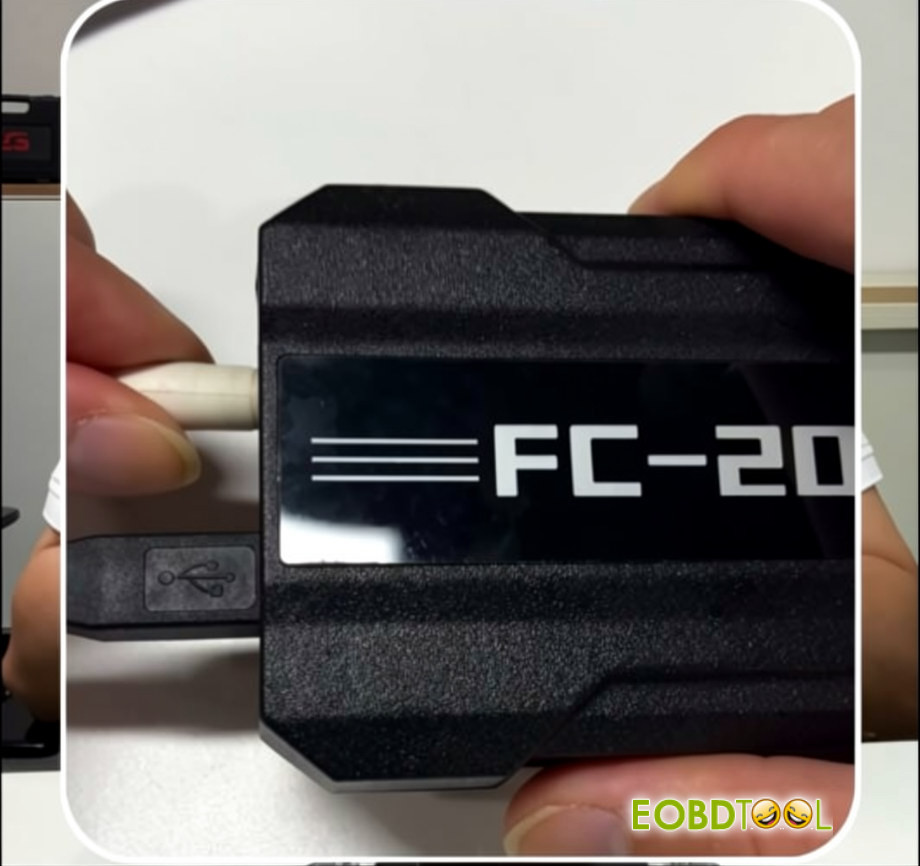
CG FC200 Read ME7.8.8/ME7.8 ECU by CAN Tips
Some users have reported that when using the CG FC200 to read Chery, Great Wall, BAIC, Geely, Changan, and other ME7.8.8 / ME7.9.7 / M7.8 ECUs, the operation may fail with an “E121 Version Not Supported” error, prompting you to use BOOT mode.
If you encounter this issue, try the following tip when working with the new DB15 cable:
Quickly unplug and reconnect the 12V power supply. This quick power reconnection is the key step that may help the FC200 establish communication and successfully read/write the ECU.
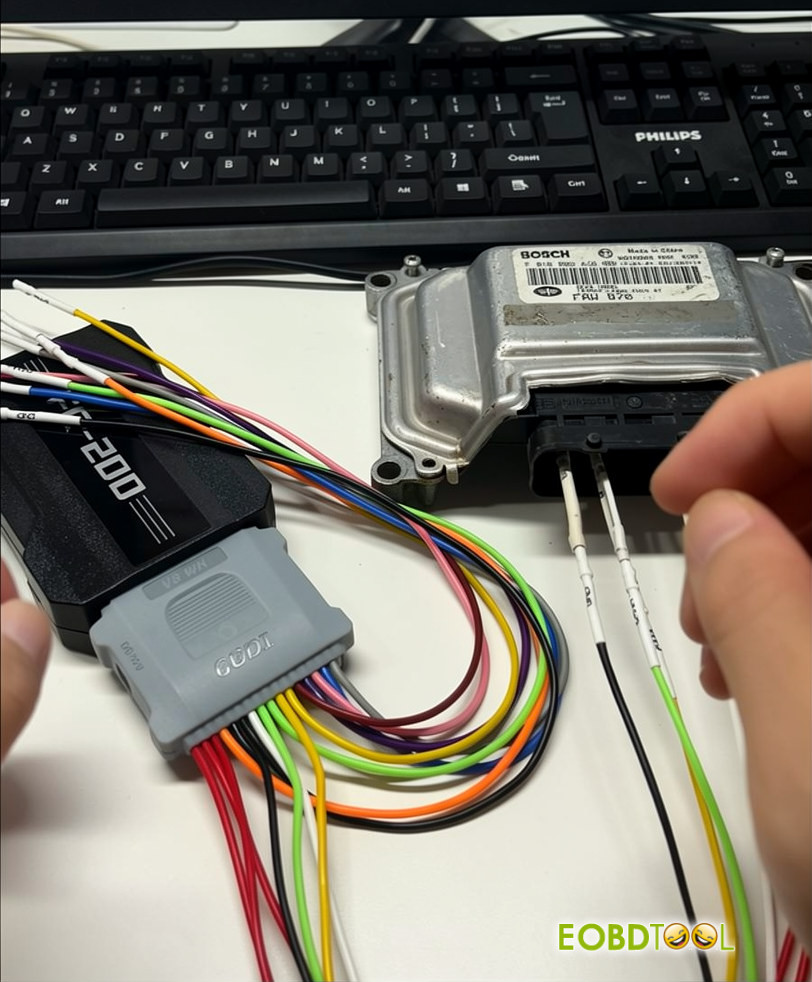
ME7.8.8/ME7.8 now supports Gen 2 CAN Unlock in Bench Mode.
Follow the wiring diagram carefully and connect the CAN wires correctly to ensure a stable and reliable connection during the unlocking process.
Next, click the CAN Unlock button to proceed.
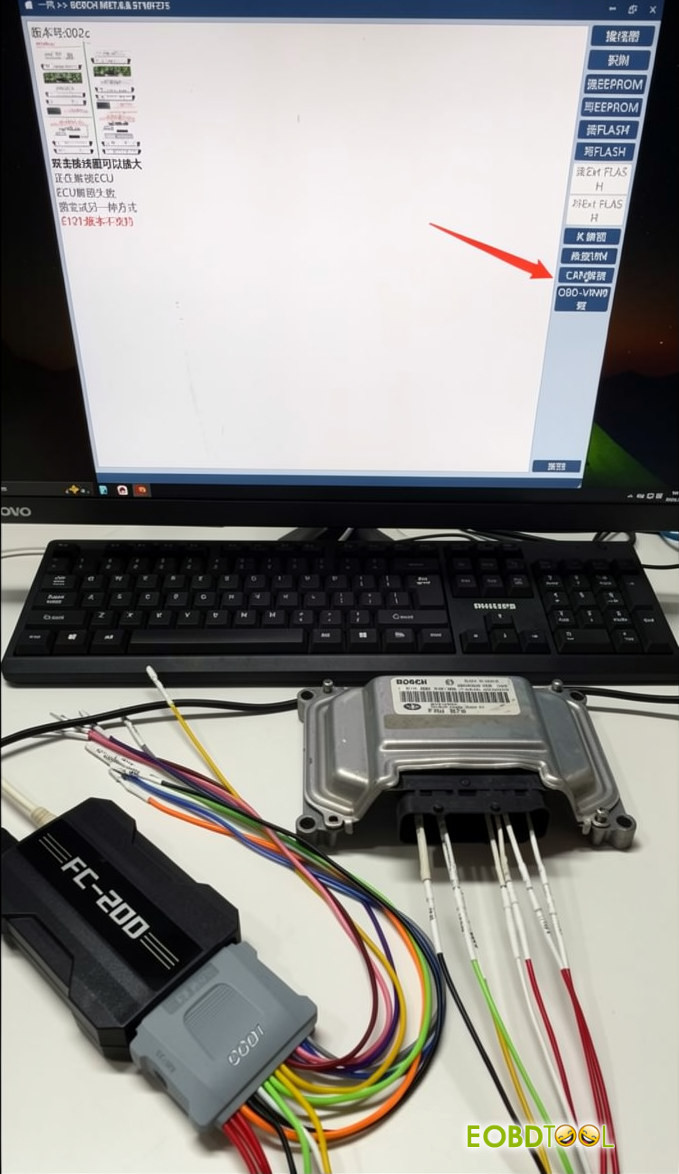
Note: The ME7.8.8 ECU must be unlocked before performing any read/write operations.
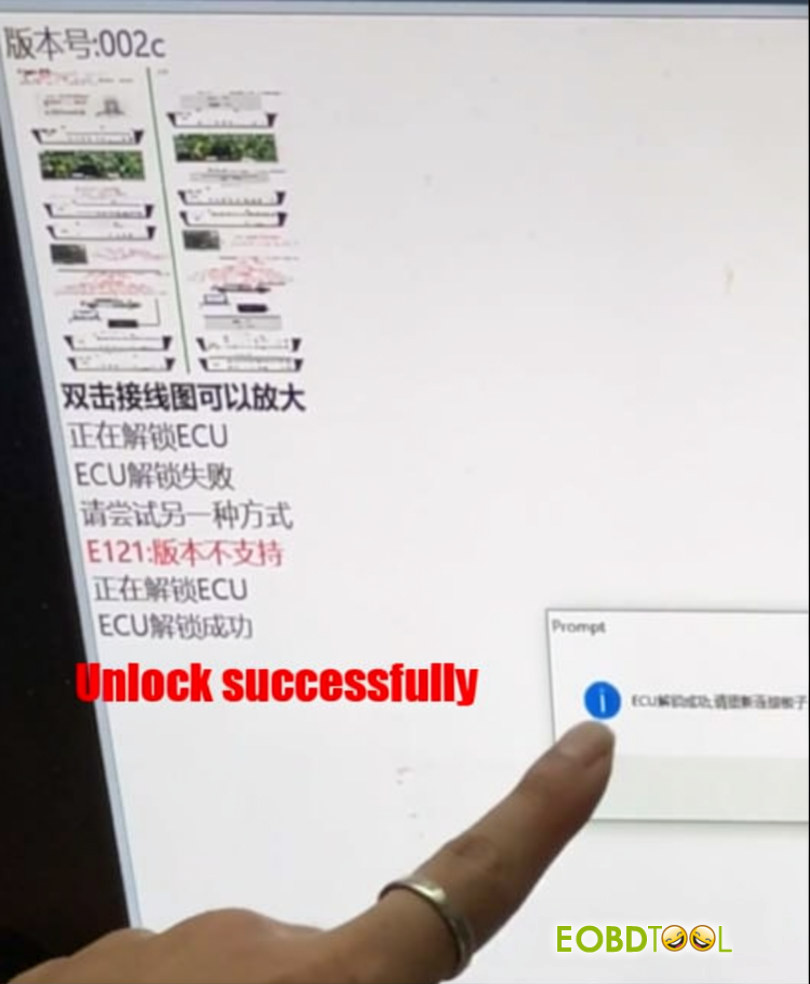
ECU unlocked successfully and ready for read/write operations.
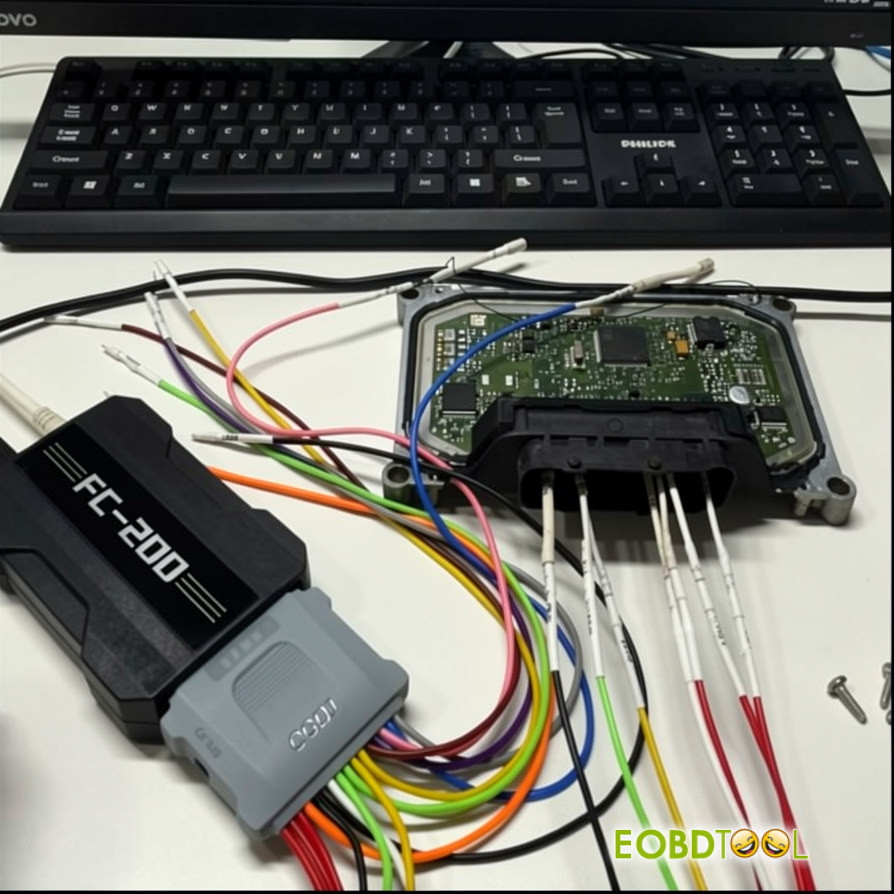
The CG FC200 ECU Programmer also supports reading these ECUs in Boot Mode.
Note: When using the new DB15 cable, no additional resistor is required, as the cable already has a built-in resistor.
UK Professional OBD2 Tools Online Shop